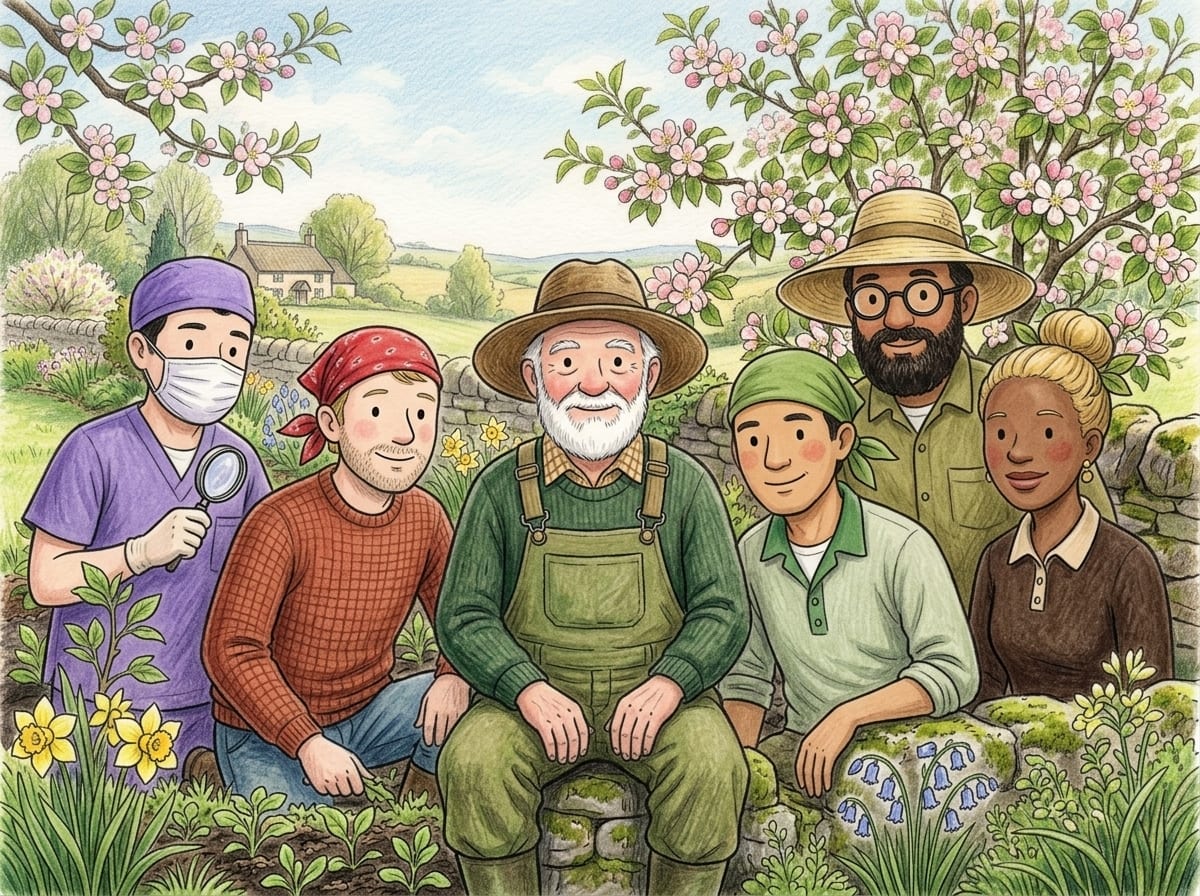
Each knows their own corner of the yard. Between them they cover most of what goes wrong out there.
Plant doctorIdentifies what you are growing and spots trouble early.Head gardenerJoins the dots across the whole garden and plans the seasons.Bug expertWorks out which insect is doing the damage, and whether it matters.Disease detectiveReads the spots, wilts and rots for what they actually mean.Soil scientistMakes sense of your soil, its drainage and what it needs.Weed wranglerNames the weed and tells you how to be rid of it.
What it actually does
Not a plant-identifier that forgets you the moment you close it. Bozlea keeps a record of your garden and reasons about it over time.
Identify from a photo
Photograph any plant, weed, pest, disease or soil and find out what it is and whether it's healthy. It tells you what it sees rather than guessing confidently.
Your garden on a map
Each plant is pinned where you photographed it, using the location your camera recorded. Draw your boundary and beds and see the whole property at once.
Care built around your conditions
Watering, feeding, pruning and mulching schedules that account for your soil, your weather and the season you are actually in. Not everything is Global: each area of your garden can have its own schedules, so a sunny bed and a shady one are looked after differently.
Weather, frost and sun, watched for you
Watering reminders shaped by your rain and how wet your soil is, so you water when the garden needs it. Frost warnings for your garden's cold spot, a safe planting date, and the sun hours each bed gets through the year.
A record that builds up
Scan the same plant months later and the advice takes the earlier visit into account. Over a season, that history is what turns guesswork into judgement.
Plan what to grow
See what to sow this month for your own climate, anywhere in the world. Then use the Bed Planner to lay out a vegetable bed to scale: drag plants onto a grid at the right spacing, with good companions shown. Plan it on a computer, check it on your phone.
Your shed, remembered
Photograph a bottle or a tool and Bozlea reads the label. Feeding reminders can use the fertiliser you already own, and you know what is on the shelf before you buy more.
Ask about your own garden
Boz and the specialists answer about your own plants, your weather and what is in your shed, not a garden in general. Ask in plain words, any time.
What’s on near you
Garden shows and events in your part of the world, a fresh gardening tip every day for your season, and a plant of the day to get to know.
Easy to set up
Getting started walks you through setting up your garden one step at a time, with short videos, and ticks each step off as you do it.
A look inside
Bozlea on a computer, shown with a made-up practice garden.
Home: today's jobs, your weather and your garden map on one screen.Your garden map: every plant pinned where it grows, inside your own boundary.Draw: trace your boundary, beds and buildings over your own block, and shape each one to fit.Sun: the hours of direct sun each plant gets, in summer, in winter and today, beside what it needs.Your library: every plant you have added, with its photo, its place and its care.Garden tasks: a calendar of watering, feeding, pruning and mulching, with your own jobs added.Veg Calendar: what to sow, plant out and pick this month, worked out for your own climate.Bed Planner: choose your vegetables, with the ones to sow this month first.Bed Planner: lay the bed out to scale, each vegetable at its proper spacing.Bed Planner: a veggie bed laid out to scale, with photos of it as it grows.Garden Shed: the tools and products you already own, all in one place.Community Showcase: gardens other members are proud of.
What it costs
Free to start and free to keep using. The paid plans are for gardeners who want more from the scans and the advisers.
Weekender
Everything to get growing
Free forever
30 Bozlea Credits the first month, 20 the second, then 10 a month
Every tool and the six advisers
50 more credits for A$6.99, whenever you want them
Green Thumb
For the keen home gardener
A$6.99 a month
60 Bozlea Credits a month
14-day free trial
50 more credits for A$4.99
Or A$69.90 a year
Garden Guru
For big gardens
A$12.99 a month
130 Bozlea Credits a month
14-day free trial
50 more credits for A$4.49
Or A$129.90 a year
One credit is one photo scan, one adviser reply or one care plan. Weather and rain, frost warnings, the planting calendar, sun hours, your garden records and photos, and your reminders never use credits.
Garden help
Free one-page answers to common garden problems: how to spot it and what to do.
Bozlea is a gardening app. Point your camera at a plant, weed, pest or plant disease and it tells you what it is, whether it is healthy and what to do about it. It keeps your garden on a map, plans your vegetable beds to scale, reminds you when to water, feed and prune to suit your weather, warns you before a frost, and gives you six advisers to ask. It works on a phone or a computer.
Is Bozlea free?
Yes. It is free to start and no card is needed. There are paid plans for gardeners who want more: see what it costs.